
Developer API and MCP
API keys, the REST API and the MCP server: manage and run functions from your own code, your ERP or an AI agent.
Everything you can do in the app, you can also do from your own code or from an AI agent. Workflow Functions has a REST API and an MCP server, both on the Developer page. The API is also how an ERP runs functions - see Connect your ERP or warehouse system.
API keys
On Developer, tab API keys, select Create API key, name it and pick the access level:
- Read only - list and read functions, versions, runs, templates, storage and files.
- Read & write - also create, update, duplicate, restore, delete and run functions, and manage storage and files.
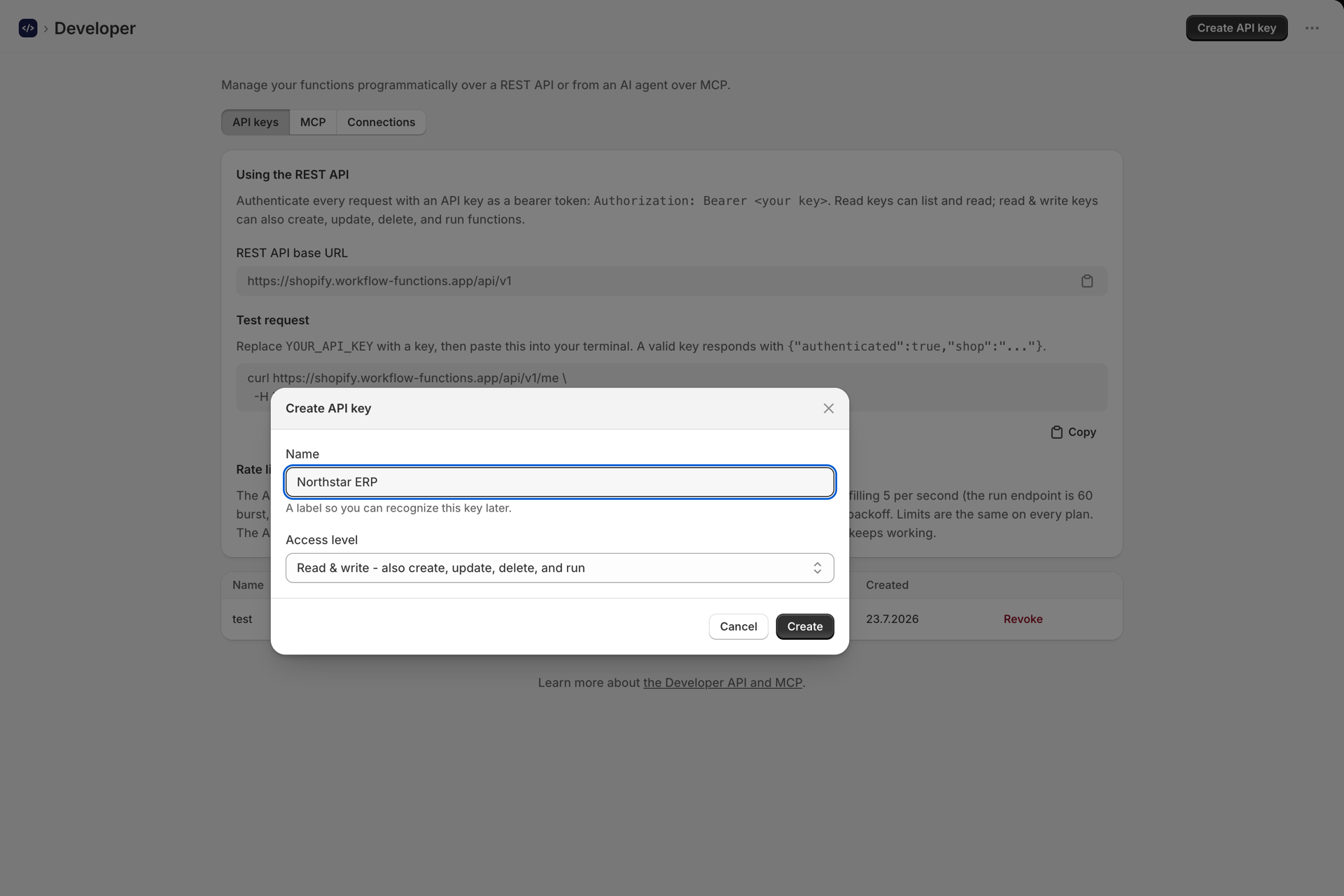
The full key is shown once, together with a test command and ready setup commands for AI clients. Store it securely: keys are kept hashed and cannot be shown again. Revoke a key at any time.
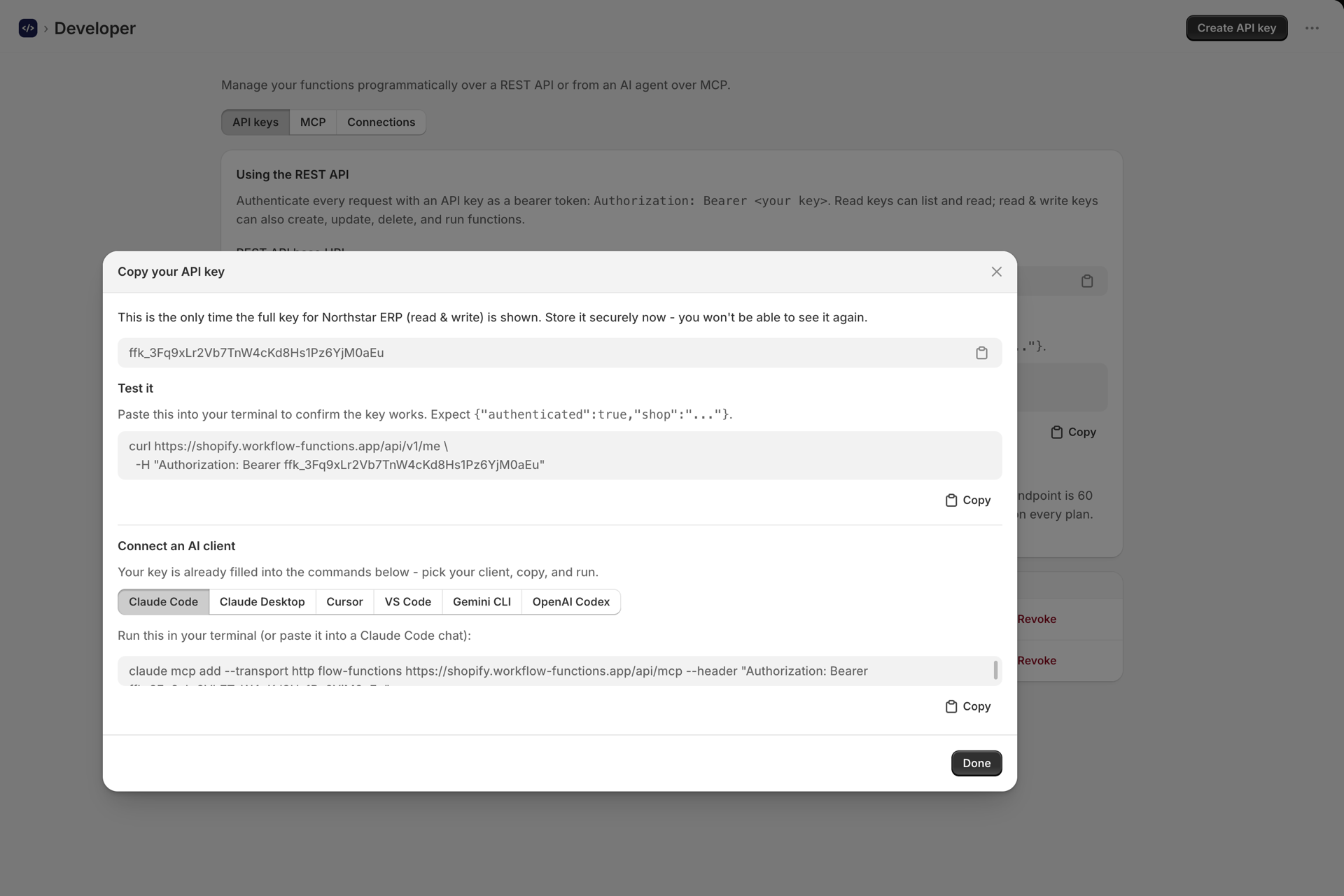
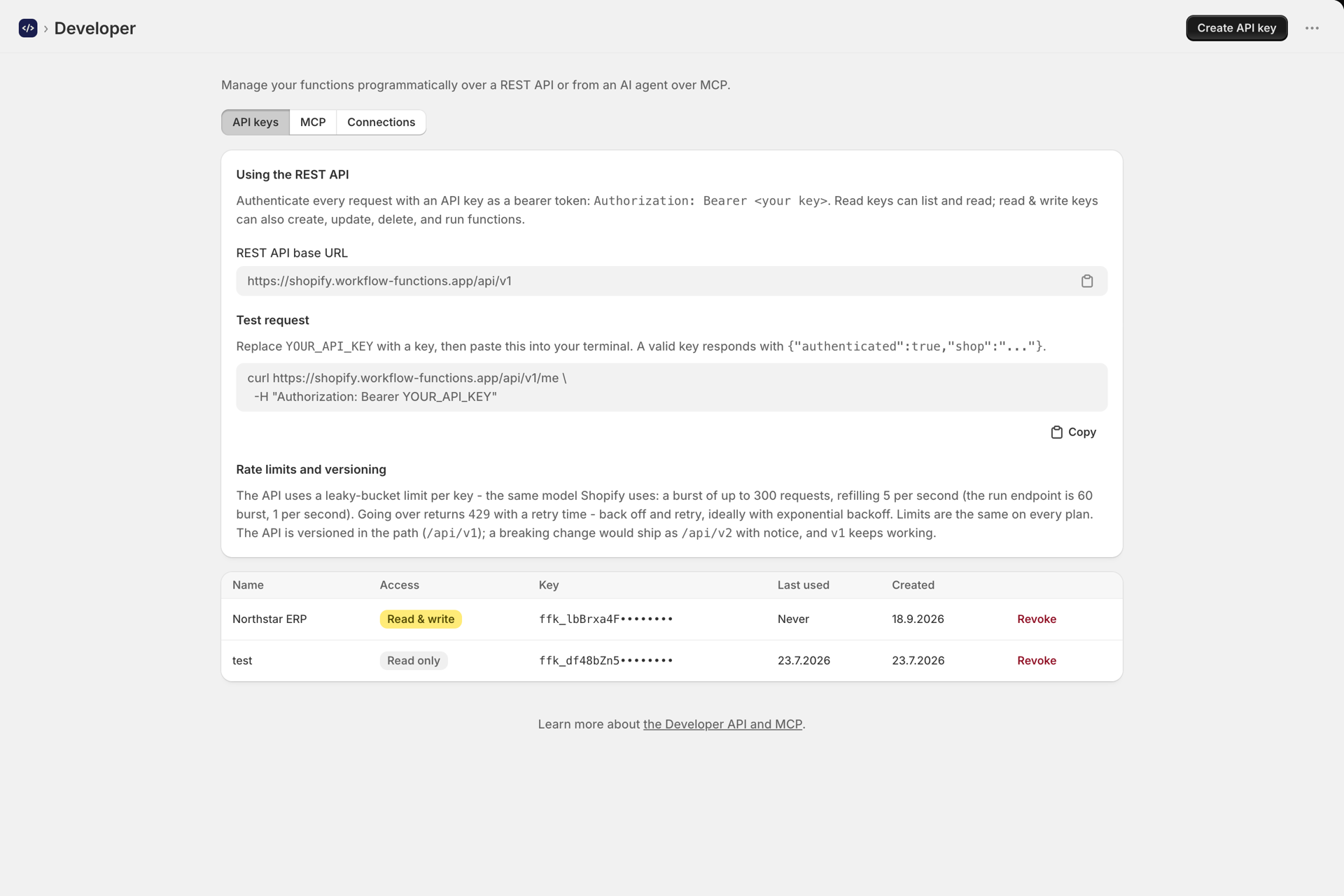
Send the key as a Bearer token on every request:
Authorization: Bearer ffk_your_key_hereREST API
Base URL: https://shopify.workflow-functions.app/api/v1
| Method | Path | Purpose |
|---|---|---|
| GET | /me, /plan |
Check the key; your plan and usage |
| GET, POST | /functions |
List, or create (from code or from { templateId }) |
| GET, PUT, PATCH, DELETE | /functions/:id |
Read, replace, update or delete a function |
| POST | /functions/:id/run |
Run a function with { input } and get its result |
| POST | /functions/:id/duplicate |
Copy a function |
| GET | /functions/:id/versions, /functions/:id/versions/:versionId |
Version history; POST on a version restores it |
| GET | /templates, /templates/:id |
The template library, filter with ?category= or ?use=api|flow|schedule |
| GET | /runs, /runs/:id |
Run history |
| GET | /storage, /storage/value?key= |
What ctx.storage holds; DELETE on a value removes it |
| GET, PUT, DELETE | /files/:key |
Files in your storage (raw body, up to 5 MB per request) |
Create and update accept testInput (the saved variables), cronSchedule and cronEnabled.
curl https://shopify.workflow-functions.app/api/v1/me \
  -H "Authorization: Bearer ffk_your_key_here"
MCP server
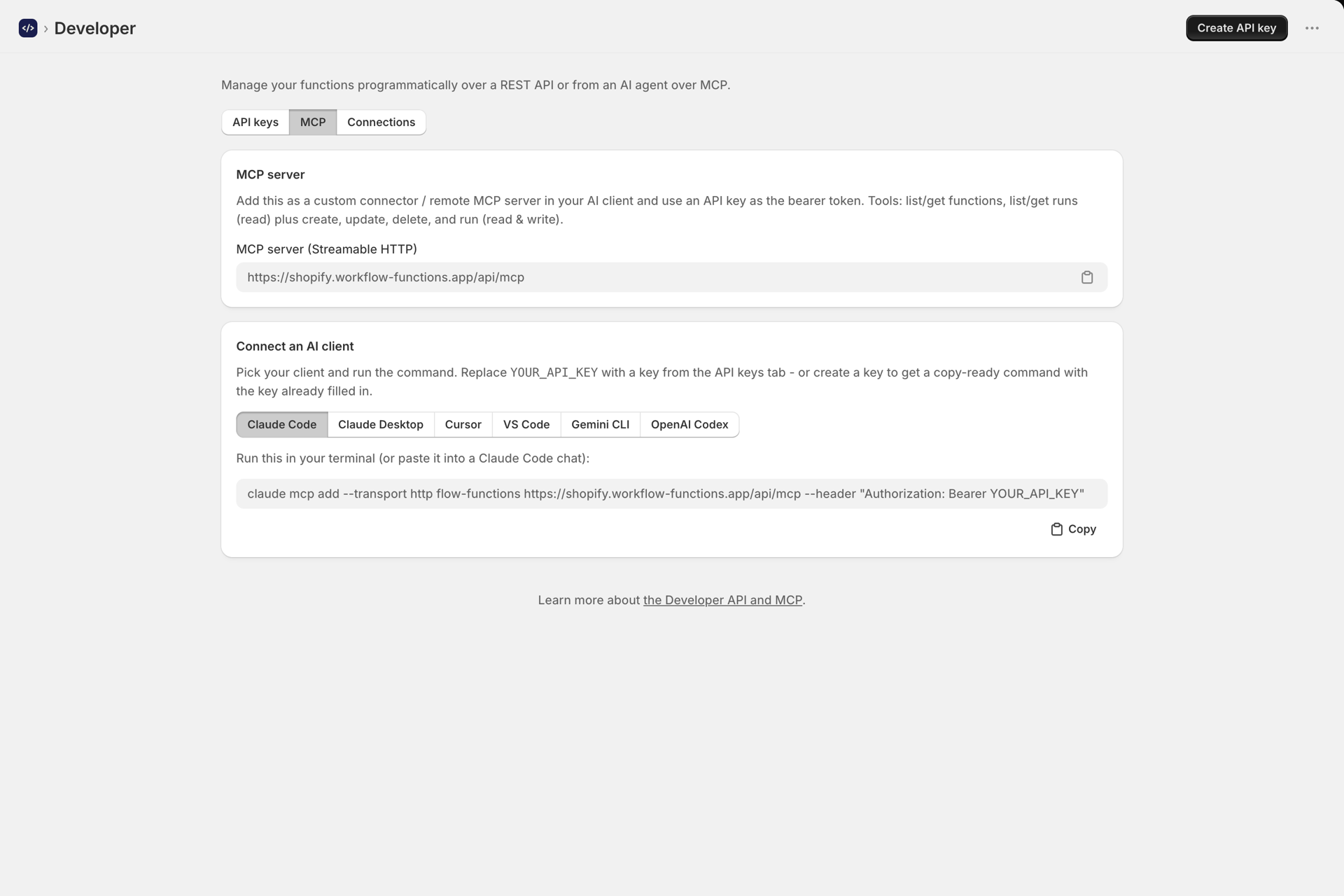
The MCP server lets an AI agent (Claude, Cursor, VS Code, Gemini CLI, OpenAI Codex and others) manage and run your functions. The MCP tab shows the server URL, https://shopify.workflow-functions.app/api/mcp, and a connect command per client. The tools mirror the REST API, and a read-only key only gets the read tools.
API and MCP runs do not use your plan
Runs through the API or MCP are recorded with the trigger API and, like test runs, do not count toward your plan. Runs from Flow and scheduled runs do.
Rate limits
A leaky bucket per key, the same model Shopify uses: bursts of up to 300 requests, refilling 5 per second. The run endpoint has its own bucket of 60, refilling 1 per second. Over the limit you get 429 with a retry time - back off and retry. Limits are the same on every plan.
The API is versioned in the path (/api/v1); a breaking change would ship as /api/v2 with notice.
Shopify's own limits
These apply to what your functions do in Shopify, even well inside our limits:
- Arrays in one Shopify API input are capped at 250 items.
- Pagination stops at 25,000 objects.
- The GraphQL Admin API is metered by query cost: 100 points per second on Standard, 200 on Advanced, 1,000 on Plus, 2,000 on Enterprise. Details: Shopify API rate limits
Next steps
- Connect your ERP or warehouse system - run functions from an ERP.
- Generate functions with AI - connect an AI provider for writing functions.
- Run history and troubleshooting - inspect API runs.